Companies
End-customer companies (Acme, Globex, …) that tickets and users belong to.
Companies are the customers of your SaaS — not SolutionDesk workspaces.
Example: your workspace is “Northwind SaaS”; Acme Corp and Globex are companies inside it.
Open them under Tickets → Companies in the sidebar.
What you do here
- Create and edit companies (name, external id from the host system).
- Open a company to see related context.
- Attach tickets to a company so portal users at that company can see eligible work.
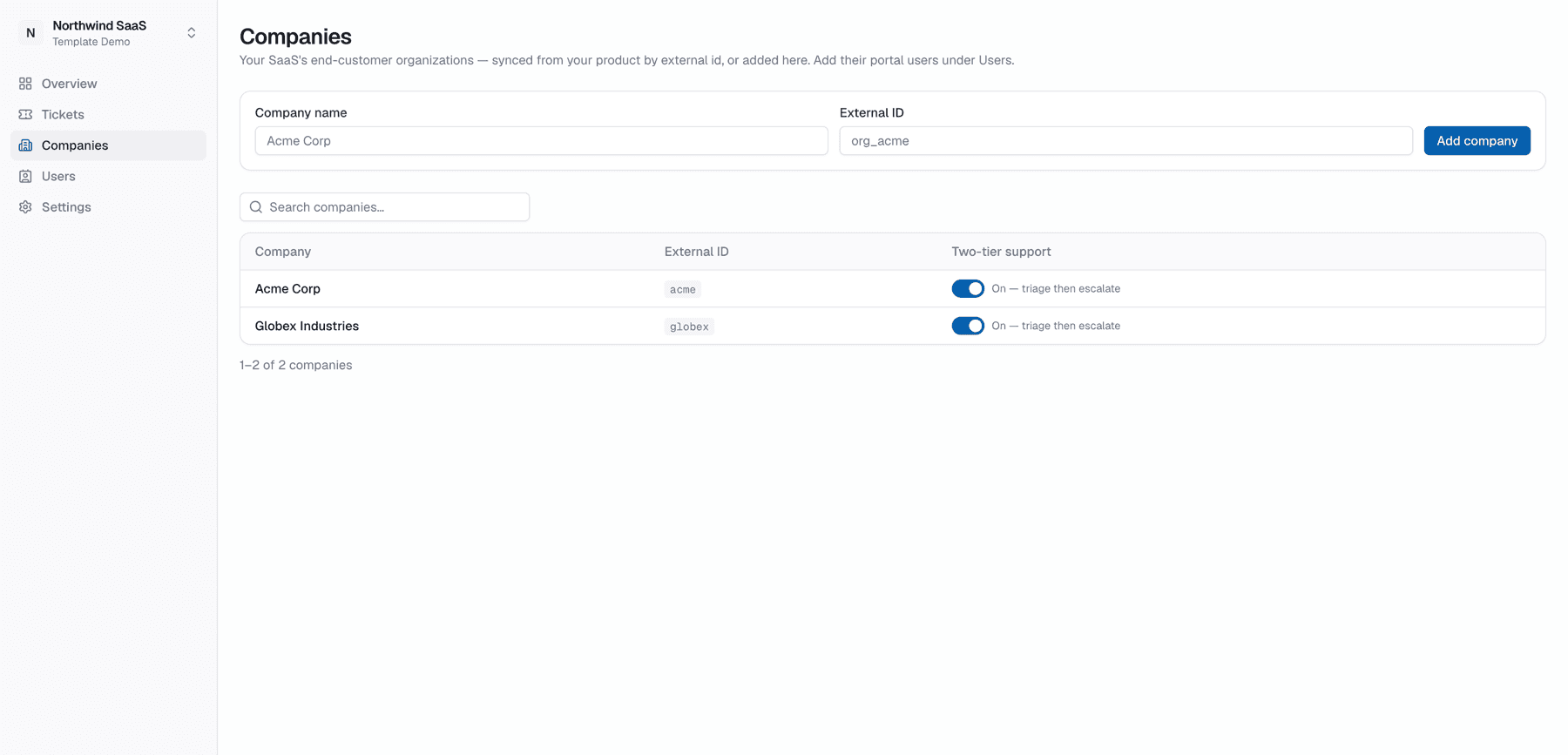
External id
When the host SaaS upserts companies via the Integration API, it keys them by externalId. Keeping that id stable is what makes MagicLink and ticket create-on-behalf match the same company over time.
Two-tier support
Per company you can enable team support tiers (triage inside Acme first, then escalate). That unlocks the portal’s Your team board and reverse visibility for staff. See Two-tier support.
Companies and the CRM
With the CRM switched on, a company can be linked to one CRM account — the sales view of the same customer. You link from the account's side; the company itself doesn't change and its portal users see nothing of the CRM. See Accounts & contacts.
Labels on companies
Workspaces can define company labels (tags on the company itself / portal filters) for segmentation — separate from workspace ticket labels. See Company labels.