Customer portal guide
Documentation for end-users like people at Acme Corp.
This guide describes the customer portal — the only SolutionDesk surface an end-user (for example someone at Acme Corp) should ever see.
You do not create a SolutionDesk account. You open a link from the product you already use (the host SaaS), land on your request board, and work from there.
Story
Jane at Acme needs help with billing. In Northwind (the host SaaS) she clicks Support. Northwind opens a one-time link. Jane sees her company’s requests, creates a new one, and later replies when Northwind’s team answers.
What you will learn
- How you enter the portal
- Your request board
- Two-tier support & portal roles
- Company labels
- Create a new request
- Open a request & reply
- What the portal never shows
Vendors: for embedding MagicLinks from your product, see the team guide Host SaaS API. For temporary share links without a full host integration, see Guest portals.
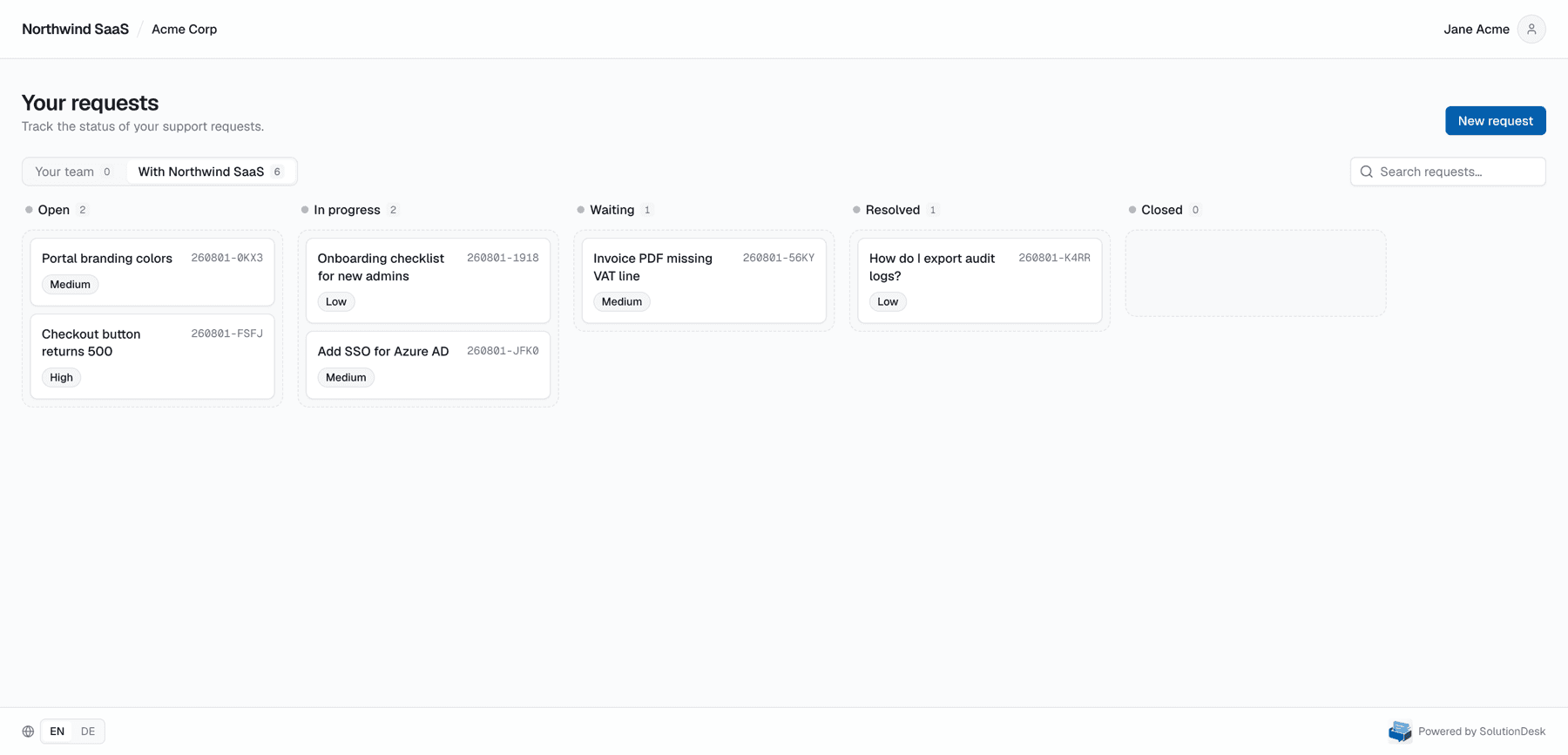
Portal home — only requests this end-user is allowed to see.