Sign in & workspace
Create an account, log in with a password, passkey or sign-in link, second factor, onboarding, the free trial and switching workspaces.
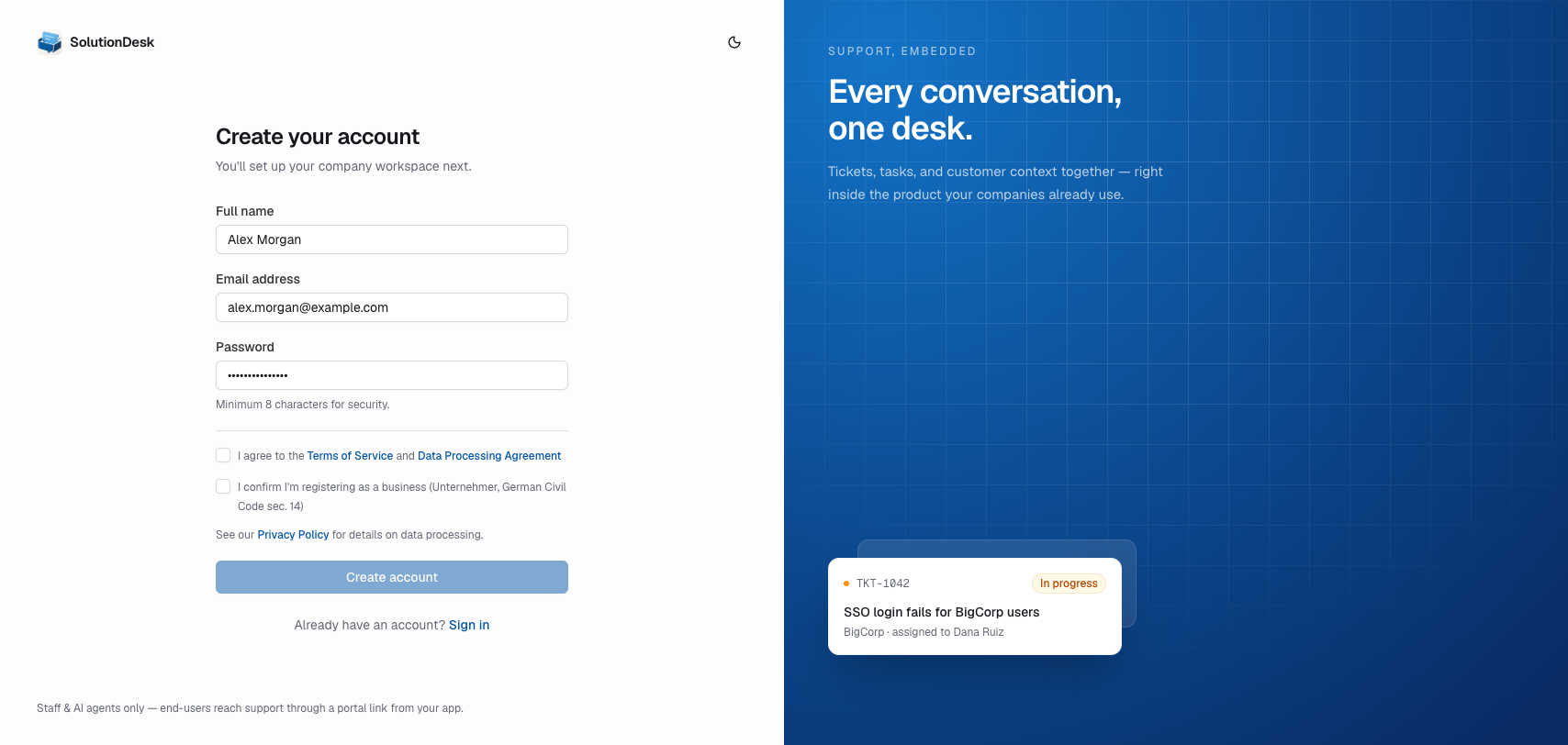
Create an account
- Open the app and go to Sign up.
- Enter name, email, and password.
- After sign-up you land in onboarding if you do not have a workspace yet.
Log in
- Open Log in.
- Enter email and password.
- You are taken to a workspace you belong to (or onboarding).
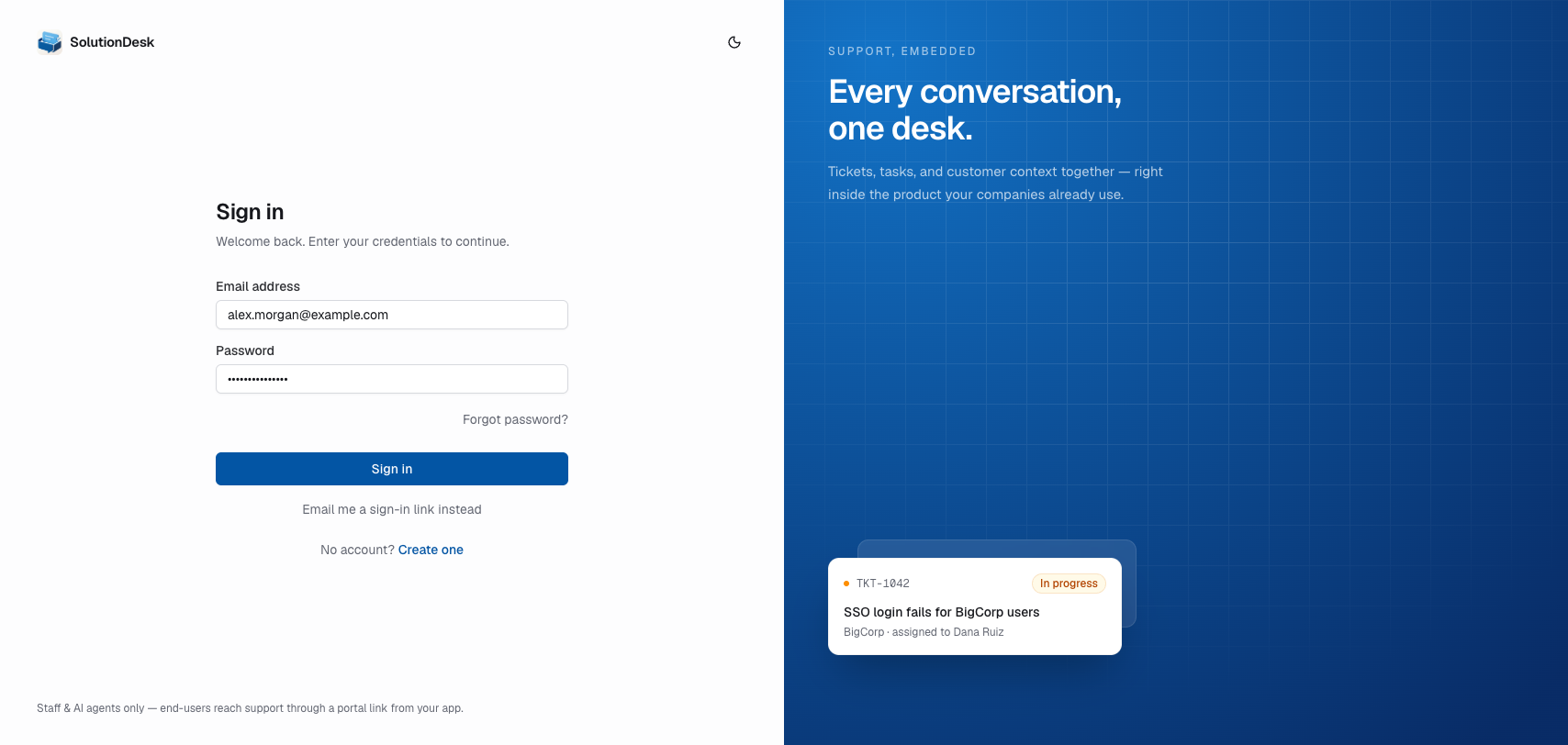
Password reset is available from Forgot password? on the login screen.
Other ways to sign in
- Use a passkey — sign in with Face ID, Touch ID or a security key instead of a password. Your browser may also offer a saved passkey right in the Email address field. Add passkeys on your Account page first.
- Email me a sign-in link instead — enter your email and we send you a link that signs you in.
Second factor
If you've set up an authenticator app, signing in with your password asks for a second step:
- Enter the 6-digit code from your authenticator app. It continues on its own once all six digits are in.
- Tick Trust this device for 30 days to skip this step on this browser for a while.
No phone at hand?
- Use a backup code — one of the codes you saved during setup. Each one works once.
- Email me a code — we send a 6-digit code to the address on your account. It expires after five minutes.
Signing in with a passkey or a sign-in link doesn't ask for the code.
When a workspace requires a second factor
Owners and admins can require every member to have a passkey or an authenticator app (Settings → General → Second factor). If you have neither, opening that workspace shows Add a second factor: set up an authenticator or add a passkey right there, then click Continue to workspace. This applies however you signed in. Connected MCP apps keep working and never ask for a code.
Onboarding (first workspace)
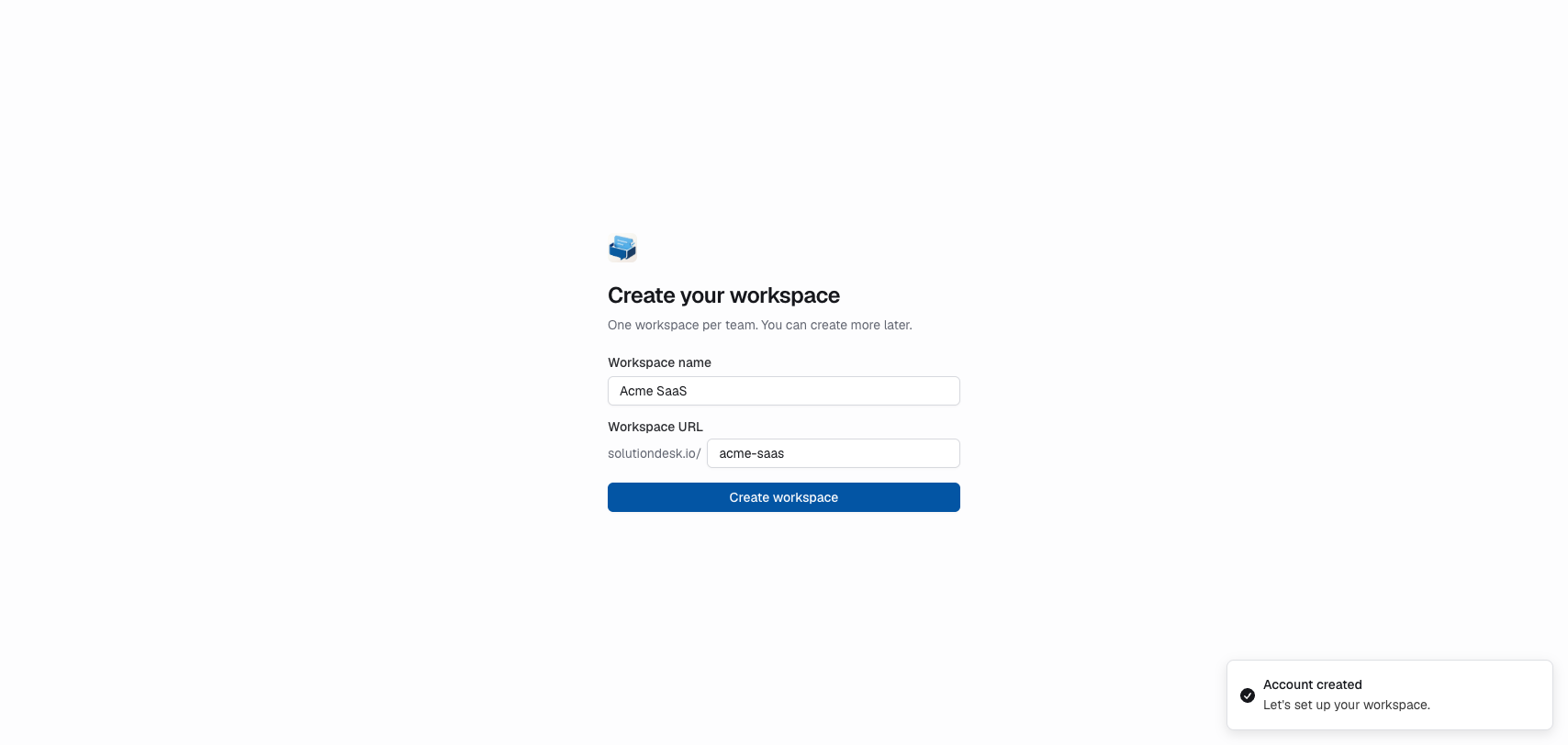
On first use, create a workspace:
- Choose a name (e.g. “Northwind SaaS”).
- Confirm the slug (URL path, e.g.
northwind). - Submit — you become the owner.
Free trial
A new workspace starts a 14-day free trial. You get a welcome email with the end date, and a slim banner at the top of the dashboard counts down: “12 days left in your trial. Everything is unlocked. We'll reach out before it ends.”
The trial doesn't limit anything. Every feature is available during the trial, and nothing is locked when it ends — the banner then says “Your trial has ended. Everything still works — we'll be in touch about carrying on.” A person from SolutionDesk contacts you before then. Workspaces created before trials existed show no banner.
Switch workspaces
If you belong to more than one workspace, use the workspace switcher in the sidebar (avatar / name at the top). Selecting another workspace reloads the shell under /{slug}.
Invite teammates
- Go to Settings → Members.
- Invite by email and role.
- They accept via the invitation link and join that workspace.
Owners and admins manage membership; members and agents do the day-to-day work. What each role may do: Members & roles.