Team guide
What staff and admins do day to day in SolutionDesk.
This guide is for people who log into SolutionDesk — owners, admins, agents, and members.
If you are documenting (or are) an Acme end-user who only opens support from the host product, use the Customer portal guide instead.
What you will learn
- Sign in & create a workspace
- Account profile & MCP apps
- Work the tickets board and several boards
- Create tickets
- Ticket detail, comments & internal notes
- Companies and end-users
- Search with Cmd/Ctrl+K
- CRM — accounts, contacts, deals, meetings and tasks (optional module)
- Events (with registration and your website) and Newsletter — reach your customers (optional modules)
- Settings (members, boards, types, API keys, …)
- Mentions & watchers, attachments, live updates
- MCP for agents and the Host SaaS API
- Guest portals
Mental model
You run the full workspace. The portal is a filtered window for customers onto one board, the customer board. Anything marked internal (ticket or comment), every other board and the whole CRM stay on your side.
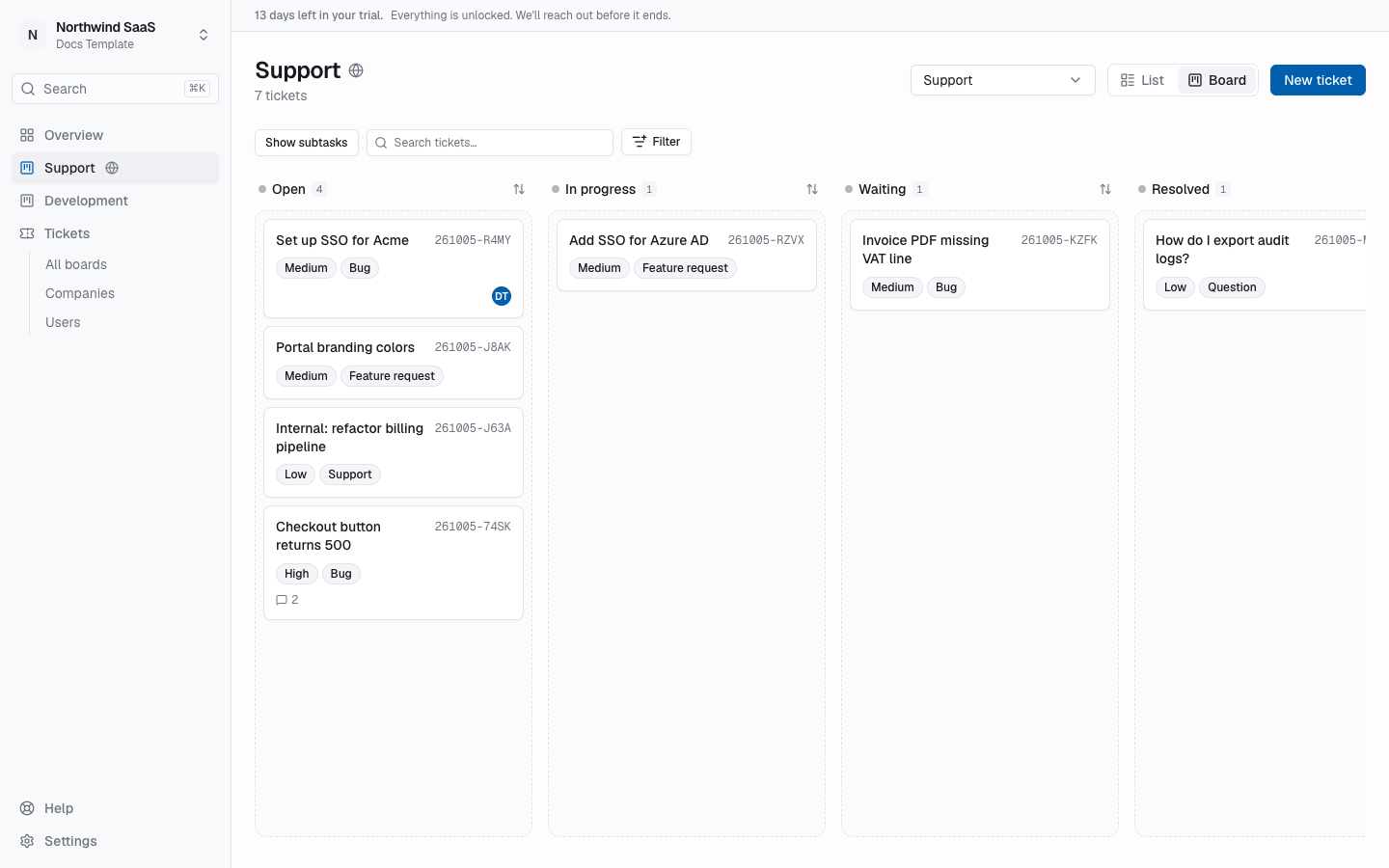
Staff tickets board — statuses as columns, drag to move work.