Import from a spreadsheet
Bring accounts, contacts and deals into the CRM from a CSV file — and undo it if needed.
Moving from another CRM or a spreadsheet? Import accounts, contacts and deals from a CSV file. Owners and admins can import; open Settings → CRM → Import from a spreadsheet, or use the button on an empty Accounts or Contacts list.
1. Choose a file
Drop a CSV file with a header row, or click Choose a CSV file. Up to 10 MB and 20,000 rows; columns separated by commas, semicolons or tabs all work, and so do files saved by Excel.
From Excel or Google Sheets: File → Download → CSV (or Save as CSV).
2. Match your columns
For each column of your file, the table shows a few example values and a choice under Import as — for example Account · Name, Contact · Email or Deal · Amount, including your own CRM fields. Common column names are matched for you; check the suggestions and set columns you don't need to Don't import.
One file can fill all three: a row can create an account, a contact at that account and a deal for it.
Each record type needs at least: an account name or domain, a contact's last (or full) name or email, and a deal title.
3. Decide what happens with records that already exist
Accounts match by domain, then by exact name. Contacts match by email. Deals match by title within the same account. When a row matches an existing record:
| Choice | Effect |
|---|---|
| Skip them | Keep what's in the CRM. Rows still link to the existing record |
| Update them | Overwrite filled-in values. Empty cells never clear anything |
| Create them anyway | Add a new record even if one already matches |
If you import deals, also pick the Pipeline for new deals and the Currency used when a row has none of its own.
4. Import
Click Import … rows. You can leave the page while it runs — coming back picks up where it is.
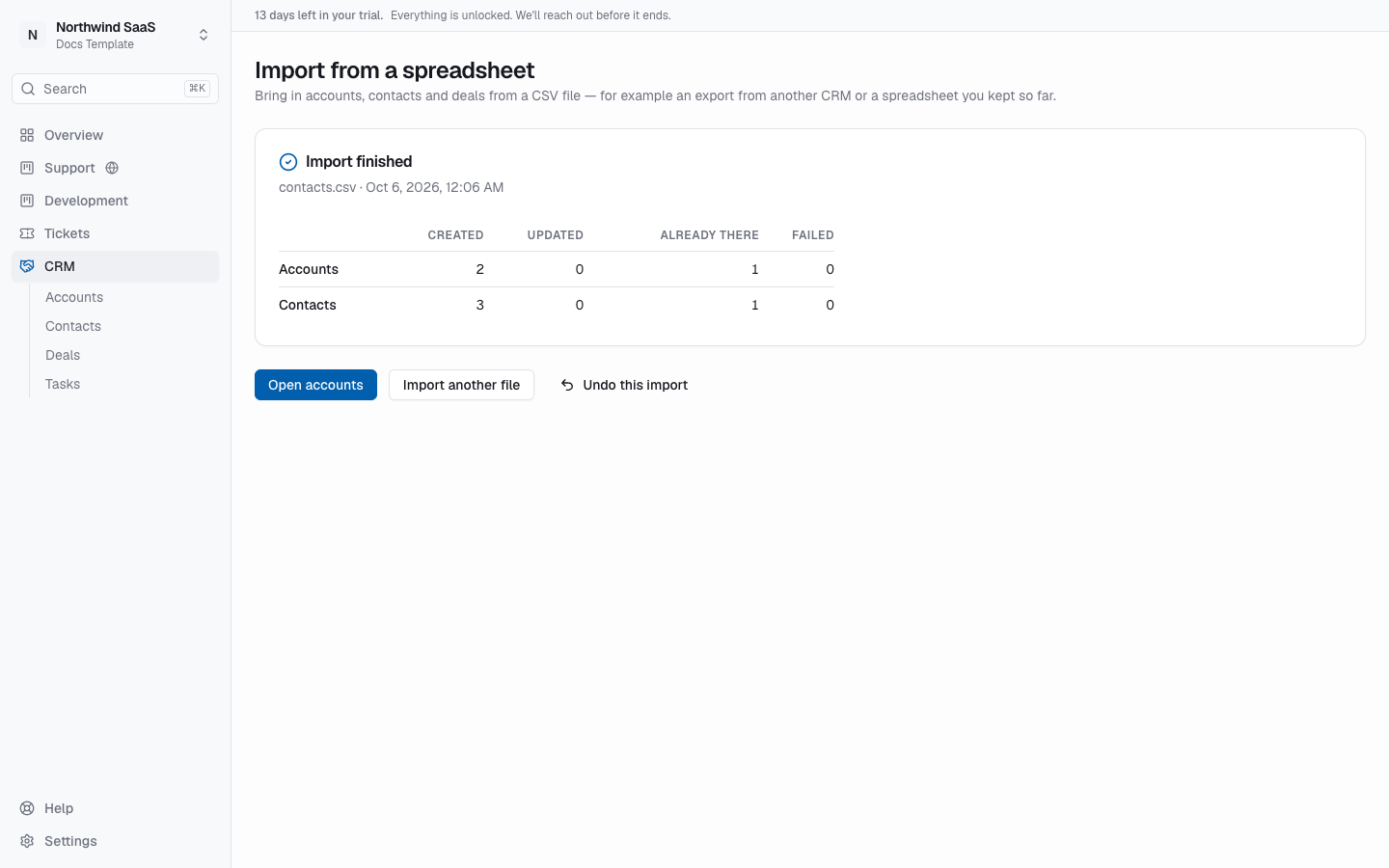
When it's done, the summary shows how many records were Created, Updated, Already there and Failed. Rows that couldn't be imported can be downloaded with the reason per row (Download the failed rows): fix them and import that file again — rows already imported are recognized as existing records.
Undo an import
Undo this import deletes the records the import created. Records someone changed since are kept, and records the import updated stay as they are.
Recent imports on the import page lists your earlier imports with their status; summaries and error reports are kept for 30 days.