Integrations & domains
API keys, SMTP notifications, custom domains, guest portals.
API keys
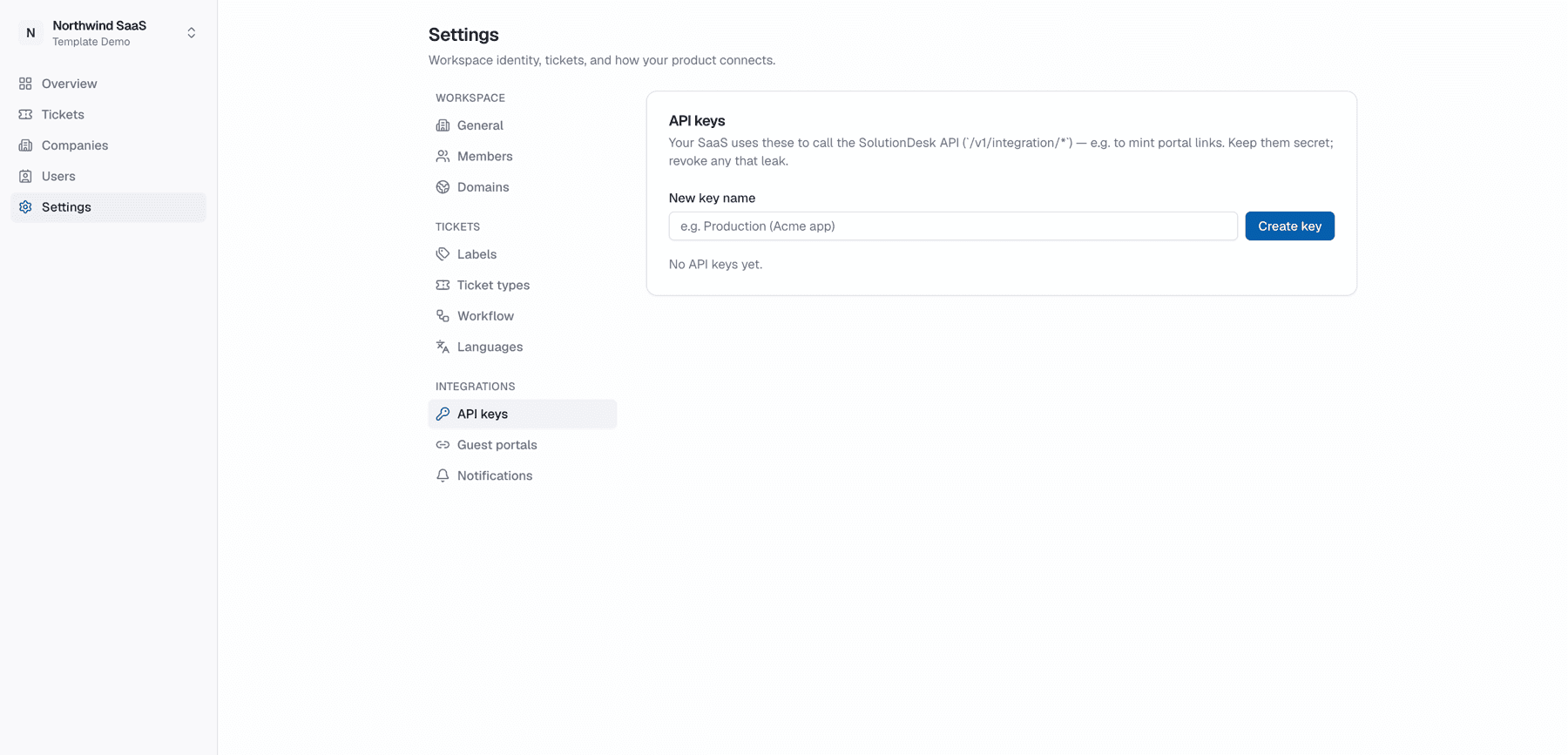
Settings → API keys — create and revoke keys for the host SaaS Integration API (server-to-server).
Use keys to:
- Upsert companies and end-users
- Create tickets on behalf of customers
- Mint MagicLinks into the portal
Treat keys like passwords; revoke compromised keys immediately. The raw key is only shown once at creation.
Full host integration walkthrough: Host SaaS API.
Notifications (SMTP)
Settings → Notifications — configure the tenant SMTP used for customer-facing email. Passwords are encrypted at rest; they are never returned to the client after save.
Staff-side mail may use platform SMTP; customer-facing mail stays on the tenant’s brand when configured.
Your email notifications
The same page holds Email notifications — your personal choice of which events email you in this workspace (nobody else's settings change). With the CRM on, it also covers CRM mentions, assigned CRM tasks and CRM task reminders.
Once the workspace has two or more boards, Notify me for boards lets you switch off ticket email from boards you don't work on. You still get an email when someone assigns you or mentions you.
Domains
Settings → Domains — custom portal and API hostnames for white-label sessions (cookies stay same-site when both are set correctly).
Guest portals
Settings → Guest portals — optional narrow-access portals (slug per guest surface) for people who should not go through the full host MagicLink path. Configure carefully; guest surfaces are still visibility-scoped.
Details: Guest portals.
MCP is not under Settings
Connect AI agents under Account → MCP, not under API keys. See MCP for agents.