Ticket configuration
Labels, templates, types, workflow statuses, and languages.
Labels, ticket types, ticket templates and the workflow belong to a board. Once the workspace has two or more boards, each of these pages shows a Board picker at the top; changes apply to the picked board only. Without a choice you edit the customer board.
Labels
Settings → Labels — tags applied on the tickets of a board. Use short names (billing, urgent-ui). Toggle labels on the ticket detail chips.
Ticket templates
Settings → Ticket templates — define the forms tickets carry: each template is a list of custom fields (e.g. a required description, steps to reproduce). Several types can share one template. A template that a type still uses can't be deleted. Field keys are stable ids, so renames don't break stored data.
Ticket types
Settings → Ticket types — define types (bug, feature, …), whether customers can file them from the portal, and the template new tickets of each type start with.
Changing a ticket's type later changes only the type: the ticket keeps its template and everything filled in.
Workflow
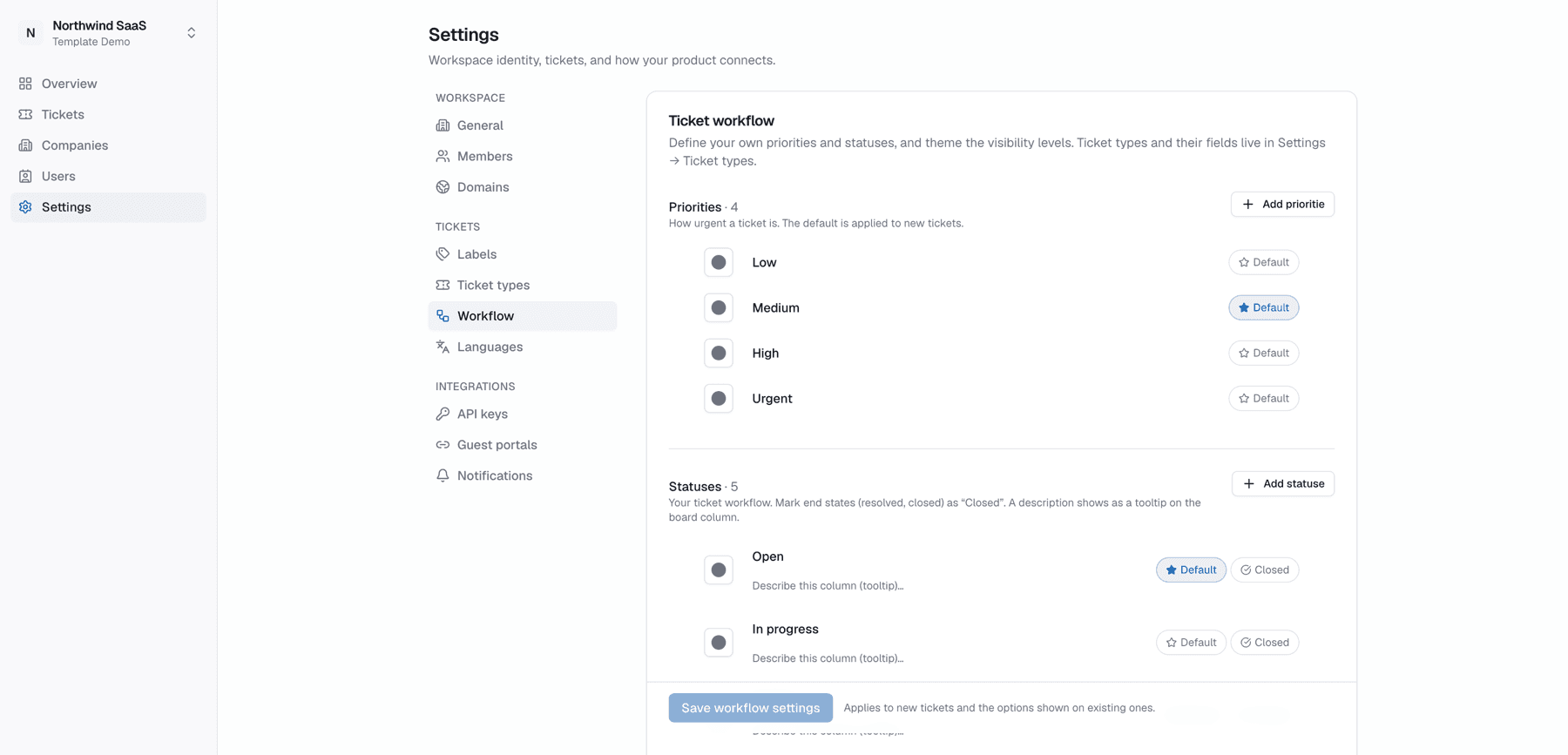
Settings → Workflow — ordered statuses that become the board's columns. Renaming or reordering the customer board's statuses also reshapes the portal board columns the customer sees (for tickets they can access); other boards only change for your team. The default statuses for customers' own team boards are workspace-wide and stay on this page whichever board is picked.
Languages
Settings → Languages — which locales the workspace supports for tenant-authored config (type names, statuses, field labels) and how portal locale negotiation works. Full guide: Languages & translations.