Open the portal
MagicLink entry, sessions, and expired links.
How you get in
- You are signed into the host product (e.g. Northwind), not SolutionDesk.
- You click Support / Requests / a deep link your vendor provides.
- The host mints a one-time MagicLink for your user and company.
- Your browser opens the portal (often on a white-label domain that looks like the vendor’s brand).
There is no “Sign up for SolutionDesk” step for portal users.
Session lifetime
The MagicLink is single-use. After redemption you have a portal session cookie until it expires or you sign out of the host flow as designed by the vendor.
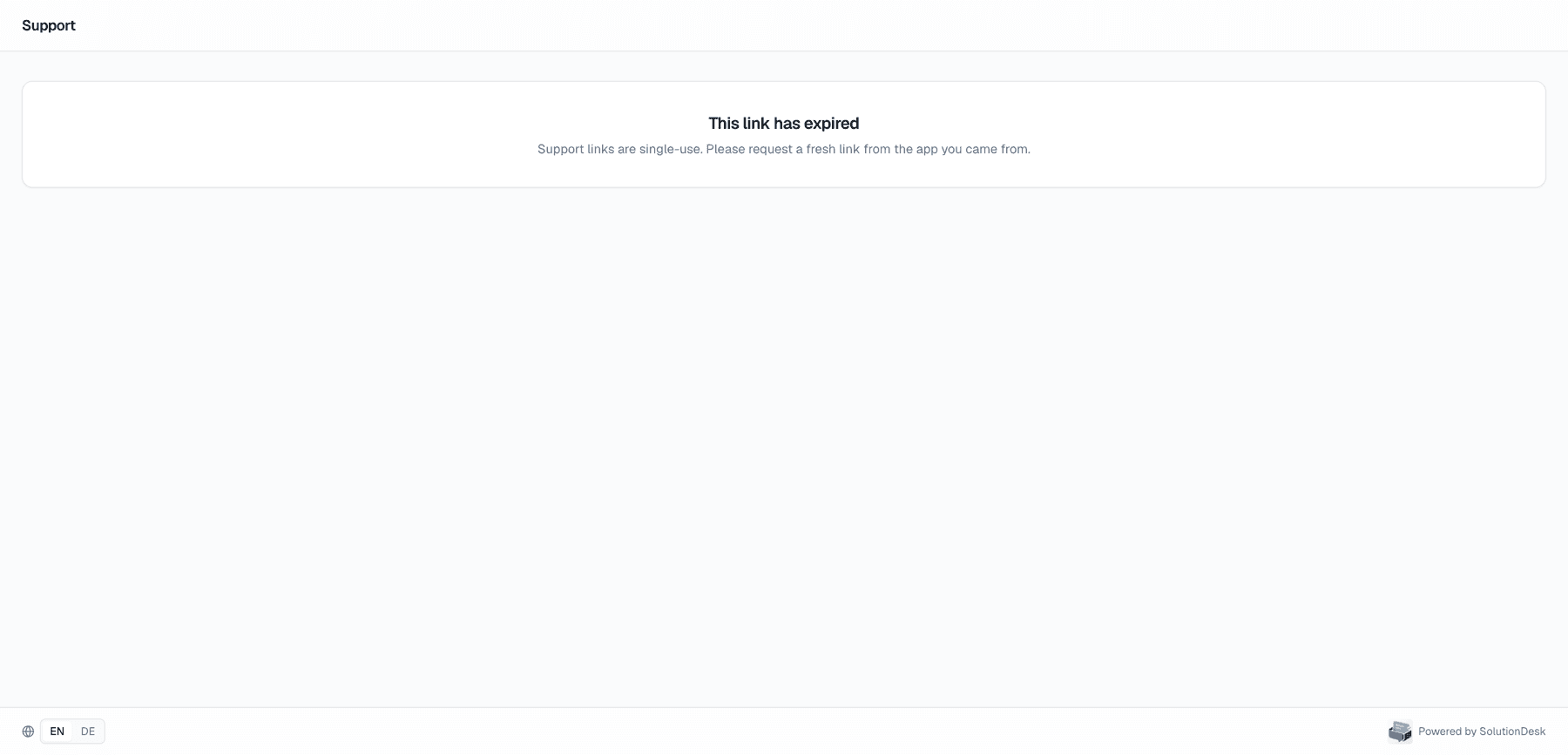
Expired or invalid link
If you see a message that the link expired:
- Request a new support link from the host product.
- Do not reuse an old email bookmark of the MagicLink URL.
Guest portals (optional)
Some workspaces also offer guest portal URLs for limited access. Behaviour is similar (scoped tickets) but entry is configured by the vendor under guest portals rather than a full host MagicLink integration.